Seventy percent of shoppers visit Instagram to research products or brands specifically before making a purchase, which means your customers are already doing their homework on platforms you may not be mining for intelligence. Knowing how to use Yelp and Instagram for market research is now one of the sharpest competitive edges a local business owner can have, and it costs nothing but a few focused hours.
Why Yelp and Instagram Are Your Best Free Research Platforms
Most business owners think of Yelp as a review site and Instagram as a marketing channel. Stop there. Both platforms are live data feeds that tell you exactly what your market wants, where competitors are failing, and which opportunities are sitting unclaimed in your area.
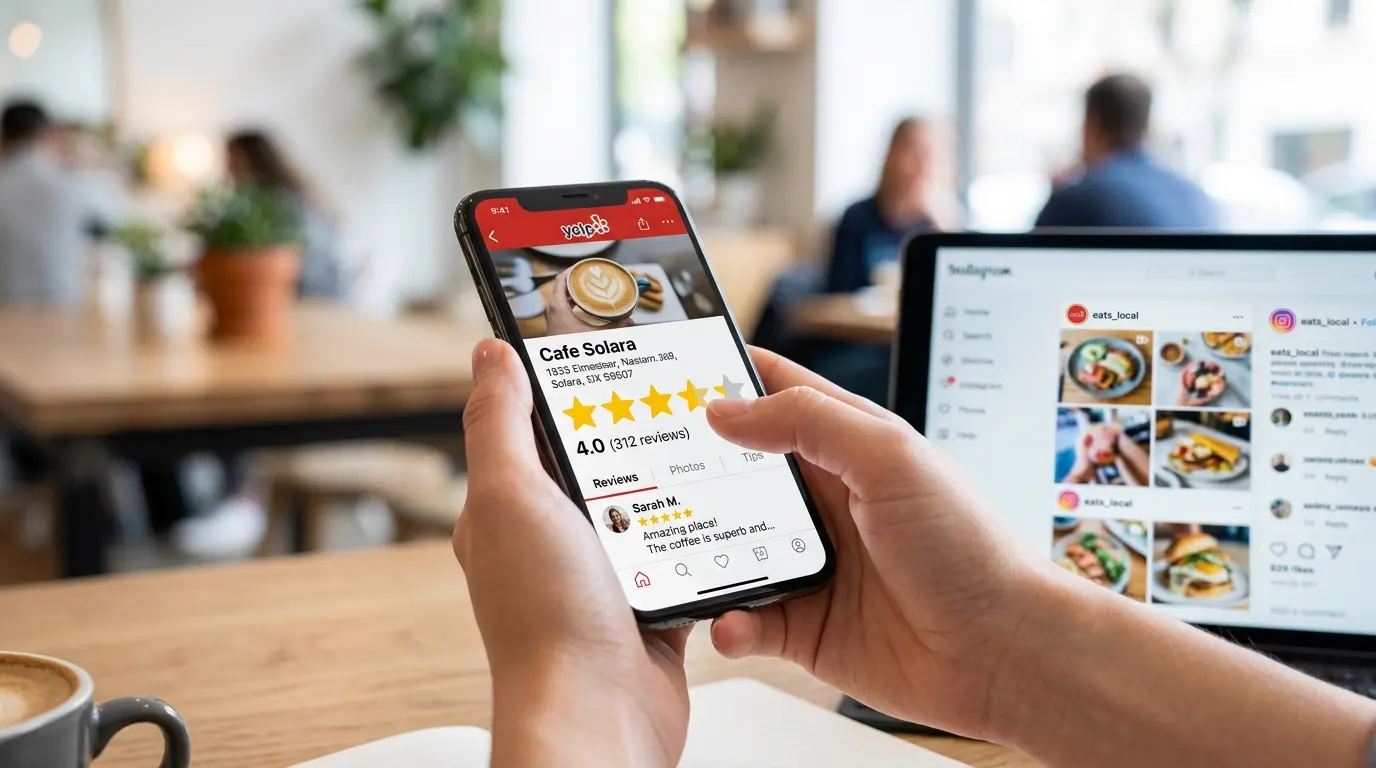
Yelp aggregates years of structured customer feedback into a single, searchable format. Instagram captures what is happening right now, in real time, before that sentiment ever crystallizes into a written review. Together, they cover the full arc of customer experience: past performance and present behavior.
The financial stakes are too high to rely on intuition alone. Whether you are evaluating a new location, launching a product category, or trying to understand why a competitor is outperforming you, these two platforms contain the answers. You just need to know where to look.
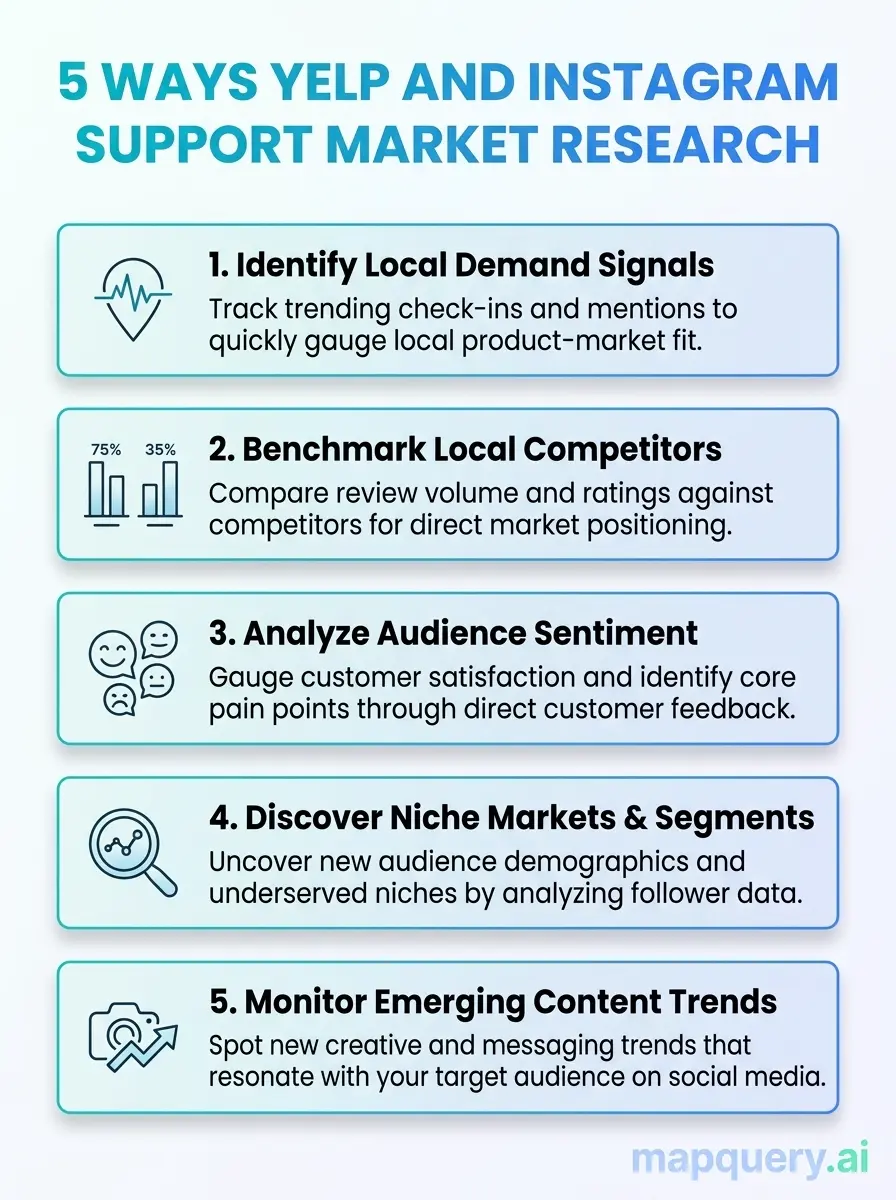
Discover practical ways to leverage Yelp and Instagram data to understand your audience, competitors, and market trends.
Reading the Competitive Landscape
Start with a Yelp search for your business category in the target city, then sort by “Most Reviewed.” This gives you a quick, rank-ordered view of the local competitive landscape.
For each top listing, capture four signals: star rating, total review count, price tier ($ to $$$$), and the date of the latest review. Together, they show market presence, customer engagement, and pricing position.
What to look for:
- 400+ reviews and a 3.8-star rating: strong visibility, but quality complaints may create an opening.
- 4.5 stars and only 30 reviews: high satisfaction, but still under the radar.
- No reviews in the last 90 days: possible decline or inactivity, though it is worth verifying before assuming.
Check the “Hours” and “Amenities” sections too. Small operational gaps can reveal easy tests. If every nearby competitor closes at 9pm, staying open until 11pm may be a low-cost differentiator.
Track your findings by location. A spreadsheet works at first, but it becomes hard to manage once you are comparing 10 to 20 competitors. We will return to a faster method in the MapQuery section.
Mining Yelp Reviews for Customer Sentiment and Market Gaps
This is where most business owners stop. They check the star rating and move on, but the real insight is inside the reviews.
Start with one- and two-star reviews. Read 20 to 30 and look for repeated phrases like “slow service,” “noisy,” “parking,” “unfriendly staff,” or “portions too small.” When the same complaint appears again and again, it points to a systemic weakness rather than a one-off bad experience.
Then review the five-star comments. What are people consistently excited about? Phrases like “came back the next day,” “drove 30 minutes for this,” or “best in the city” reveal what that business delivers especially well, and what you may need to match or outperform.
The point is not to judge competitors. It is to map what the market rewards and what it punishes.
Did You Know?
Responding to reviews (both positive and negative) increases a customer’s likelihood of selecting that business by 41%.
MediaOneLink 2025
That 41% figure is also a competitive intelligence signal. Pull up your top competitor’s Yelp page. Scroll through their reviews. Are they responding? If a rival has 200 reviews and has responded to none of them, that is a measurable opening. Win on customer pulse and engagement where they are silent.
Pay attention to how competitors respond when they do engage. Generic copy-paste replies signal low effort. Personalized, specific responses signal a business that takes feedback seriously. Customers notice the difference.

Spotting Trends Before They Peak
Yelp tells you what customers said. Instagram shows what they care about right now.
Search your city and business category in Instagram, like “Austin coffee” or “Brooklyn tacos.” Check both the “Top” and “Recent” tabs. Top posts show what gets attention. Recent posts show what is happening now.
Look at what people post and tag. Are they sharing the food, the interior, the packaging, or the staff? That tells you what stands out enough to share.
What to track on Instagram:
- Comments on competitor posts. Look for questions, requests, and complaints. These are direct demand signals.
- Location tags. Search your target street or address to see who is posting there and how they describe the area.
- Hashtag growth. Rising hashtags suggest momentum. Flat ones may signal a fading trend.
Spend a few minutes in Instagram’s “Explore” tab for your target area. It can quickly show what local customers are paying attention to.
Using Instagram to Build Competitor Intelligence
Go directly to your top competitors’ Instagram profiles. You are looking for four things.
Post frequency. A competitor posting five times a week is investing heavily in brand visibility. One posting twice a month is leaving ground uncovered. Both are useful to know.
Engagement rate. Divide average likes and comments by follower count. A business with 3,000 followers averaging 200 interactions per post has a more loyal audience than one with 15,000 followers averaging 100 interactions. Engagement rate is the real number, not follower count.
What they never post about. If a restaurant posts constantly about its cocktails but never about its lunch menu, that tells you something about where they are strong and where they are not investing. The gaps in their content calendar are often the gaps in their customer experience.
Comment sentiment. Scroll through the last 20 posts and read comments. Not just the likes, but the actual words. “So overpriced now,” “quality has dropped,” “used to be my favorite” are warning signs that a competitor is losing customer loyalty, even while their follower count grows.
This is the kind of customer pulse data that does not show up in a quarterly report. It shows up in a comment section at 11am on a Tuesday.

How to Use Yelp and Instagram Together for Location-Based Research
Used separately, Yelp and Instagram each give you a partial picture. Used together, they give you something close to a full competitive brief on any local market.
Here is the framework. Build it into your pre-launch or site selection process and run it every time.
Research Question | Best Source | What to Look For |
|---|---|---|
Who are my competitors? | Yelp | Category search by zip code or neighborhood |
What do customers actually think? | Yelp reviews | Recurring keywords in 1-star and 5-star reviews |
What trends are emerging right now? | Location tags, growing hashtags, comment requests | |
What is my competitor’s brand positioning? | Visual content, caption tone, story themes | |
Is this area growing or declining? | Both | Yelp review recency + Instagram location tag activity |
Where are the gaps in the market? | Both | Yelp complaints cross-referenced with Instagram comment requests |
Most operators skip the cross-reference step, but it is often where the clearest opportunity appears. If Yelp reviews across local sushi restaurants repeatedly mention “no vegetarian options,” and Instagram comments on those same businesses ask for something plant-based, that is more than a coincidence. It is a clear market gap confirmed by two separate data sources.
When you see a pattern like that, act on it. You do not need a formal study to validate what customers are already saying in public.
Real-World Use Cases: Restaurants, Retail, and Real Estate
The Restaurant Owner Evaluating a Second Location
Maria runs a successful taqueria in East Austin and is considering a second location in South Austin. She searches “tacos” on Yelp in the South Austin zip codes she is targeting. She finds six competitors with strong review counts but notices that three of the top four have consistent Yelp complaints about “slow lunch service” and “limited seating.”
She cross-references on Instagram. Searches reveal heavy lunchtime activity in the area, with dozens of posts tagging the neighborhood between 11:30am and 1:30pm every weekday. The demand is real. The speed-of-service gap is real. She builds her second location around a streamlined lunch counter model. Before signing the lease, she maps the full competitive landscape using
MapQuery’s competitor mapping feature
to confirm no strong competitor is opening within three blocks.
The Retail Buyer Entering a New Market
Devon manages a small streetwear brand and is deciding between two neighborhoods in Chicago for a pop-up location. On Instagram, he searches location tags for both neighborhoods. Neighborhood A has 40,000 tagged posts with heavy youth and fashion-forward content. Neighborhood B has 18,000 posts, skewing older and family-oriented.
He checks Yelp for both areas. Neighborhood A has three independent boutiques with strong reviews and high engagement, signaling an active retail community. Neighborhood B has mostly chain stores with mediocre ratings. The answer is clear. Neighborhood A is where his customer already spends time. He books the pop-up there.
The Real Estate Team Evaluating a Retail Corridor
A commercial real estate team is presenting a new retail corridor to a national coffee chain. They need a broker-ready summary of the area’s competitive landscape in 48 hours. Manual Yelp and Instagram research across 30 locations is a full day of work.
Instead, they use
MapQuery’s commercial real estate research workflow
, asking plain-language questions like “What is a popular menu item of this location?” MapQuery pulls live data from Yelp, and Instagram, summarizes the competitive landscape, and ties every insight to a saved map pin. From initial scan to broker-ready summary in minutes, not days.
How MapQuery Turns Yelp and Instagram Data into Actionable Intelligence
Manual research with Yelp and Instagram can work, but it is time-consuming, inconsistent, and not always easy to share with a team.
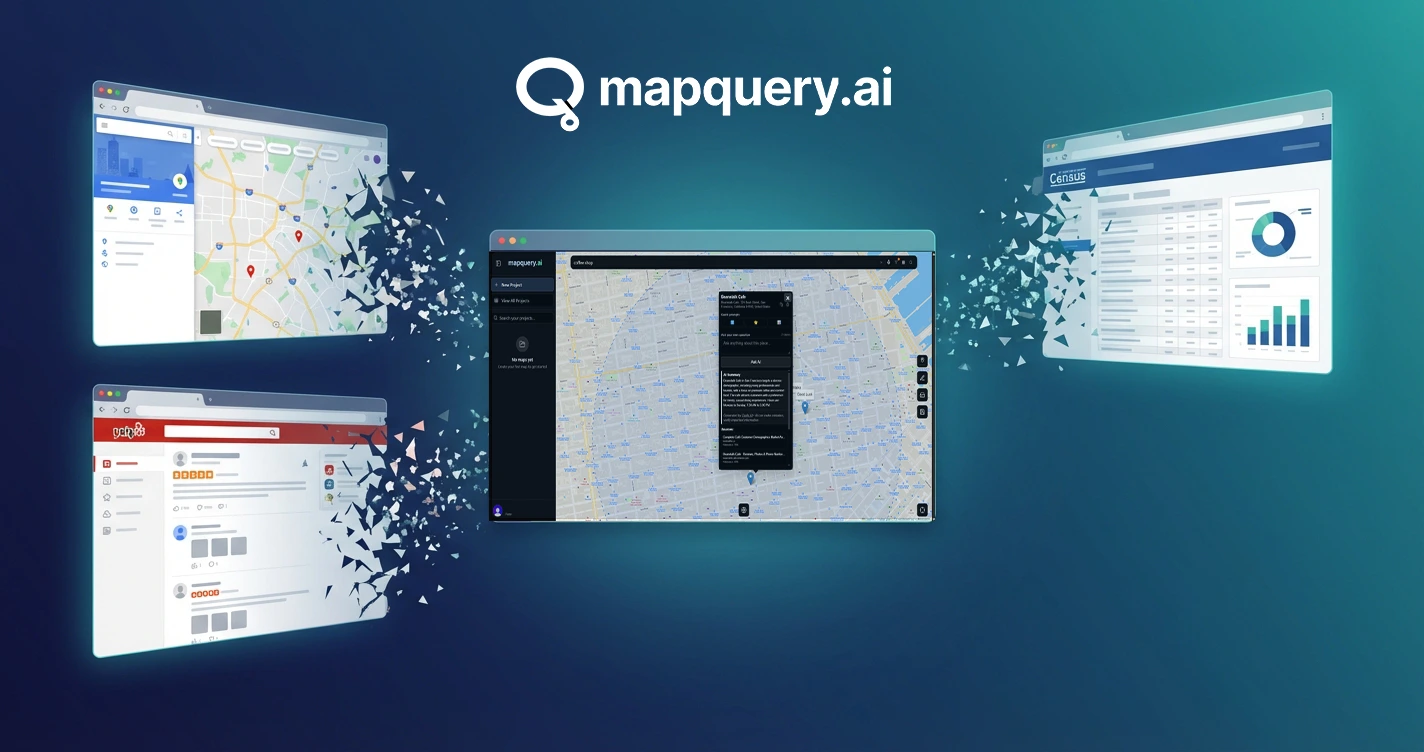
MapQuery helps organize that process. It pulls live data from sources like Yelp, TripAdvisor, and Instagram, then turns it into cited answers connected to specific locations on a shared map.
A few features are especially useful for this kind of research:
- See What’s Around You: View nearby competitors on a live map.
- Just Ask a Question: Ask location-specific questions in plain language and get sourced answers.
- Customer Pulse: Review sentiment and trends across multiple businesses at once.
- Saved Map Markers: Pin insights to locations and share them with a team.
- Save Your Research: Keep your projects, locations, and results in one place.
- Saved AI Results: Revisit past answers without repeating the same research.
The free tier includes 10 daily research credits, up to 3 saved projects, and up to 50 locations per project. For current Pro and Team details, see the MapQuery pricing page.
Did You Know?
4 out of 5 Yelp users are ready to make a purchase when they land on a business page, and 57% contact or visit that business within one day.
Yelp / WiserReview 2026
That means Yelp users often arrive with strong purchase intent, and many act quickly once they find a business page. What customers see there, including your reviews, recent activity, and overall positioning, can directly influence whether they contact you or visit the same day. Understanding how to use Yelp and Instagram for market research is not just about watching competitors. It is about understanding how customers make decisions in real time.
MapQuery surfaces all of that in one place. Explore the full feature set at mapquery.ai/features, or read the MapQuery documentation to see exactly how the research workflow runs from first query to saved project. The MapQuery blog also covers location intelligence use cases across restaurants, retail, and real estate if you want to go deeper on any specific vertical.
Final Thoughts
Knowing how to use Yelp and Instagram for market research gives local business owners a practical advantage. Yelp helps you compare competitors through ratings, reviews, pricing, and response patterns. Instagram helps you see what customers are noticing, sharing, and asking for right now. When you use both together, you get a clearer view of your market.
Pay attention to public signals before making business decisions. Read reviews, watch comment sections, check location tags, and look for repeated patterns across platforms. If you want to speed up that process, a tool like MapQuery can help organize the research. Either way, the goal is the same: make decisions based on what customers are already telling you.

Stop Guessing. Start Knowing.
Turn Yelp and Instagram into actionable market intelligence in minutes.
Frequently Asked Questions
How do you use Yelp for market research as a small business owner?
To use Yelp for market research, search for businesses in your category within your target area and sort results by “Most Reviewed.” Read through recent reviews, filtering by one-star and five-star ratings separately, to identify what customers value and where competitors are falling short. Recurring complaints across multiple businesses are direct signals of market gaps you can compete on.
Is Instagram useful for local business market research in 2026?
Yes. Instagram is one of the most practical free tools for local market research in 2026, especially for spotting trends before they appear in formal reviews. Search location tags, competitor handles, and relevant hashtags to see what your target customers are sharing, requesting, and responding to in real time. The comment sections on competitor posts are particularly valuable for unfiltered demand signals.
What is the best way to analyze competitor reviews on Yelp?
Filter competitor Yelp pages by lowest-rated reviews first and read 20 to 30 of them looking for repeated phrases and themes. If the same complaint appears across multiple competitors in your area, that is a market-wide gap you can position directly against. Cross-reference with five-star reviews to understand what the market genuinely rewards.
How do you combine Yelp and Instagram data for better location research?
Use Yelp to benchmark competitor ratings, review volume, price positioning, and engagement patterns, then cross-reference Instagram to see what customers are actually photographing, tagging, and requesting in comments. Gaps between a competitor’s brand image on Instagram and their actual Yelp reviews are often the clearest opportunities in any market.
Can MapQuery pull Yelp and Instagram data automatically?
Yes. MapQuery pulls live data from sources including Yelp, TripAdvisor, and Instagram, then summarizes it into cited, location-specific answers tied to pins on a shared map. You ask a question in plain language and get a sourced answer in seconds, with no manual data collection or raw data interpretation required.
How long does it take to do market research using Yelp and Instagram?
Manual research using Yelp and Instagram typically takes two to four hours per location if done thoroughly across 10 to 20 competitors. Using MapQuery to aggregate and summarize live data from both platforms reduces that to minutes, with every result saved to a shareable project map so your team does not have to rebuild the research from scratch.
Is Yelp or Instagram more useful for B2C local business research?
Both platforms serve distinct purposes and work best together. Yelp is more useful for structured data including star ratings, review volume, price tiers, response patterns, and business hours. Instagram is more useful for visual trends, real-time customer culture, and brand perception. Using both gives you a complete picture of any local competitive landscape and the customer behavior that drives it.