Before you open in a new market, you need to know more than where your competitors are. You need to know what their customers think of them, and where they’re falling short.
That’s sentiment analysis. And for location-based businesses, most sentiment analysis tools aren’t built for this use case. They’re built for brand monitoring, tracking what people say about your own brand across social media. That’s useful after you launch. It doesn’t help you decide where to launch.
This post covers the best sentiment analysis tools available in 2026, with a focus on what actually works for business owners doing pre-expansion research. Whether you’re a franchise operator evaluating a new territory, a cafe owner scoping a second location, or a CRE broker building a pitch deck, the right sentiment analysis tools can turn weeks of manual research into an afternoon.
TL;DR
Most sentiment analysis tools track your own brand. If you need to understand what customers think about your competitors in a specific neighborhood, MapQuery.ai is the only tool on this list built for that use case.
Two Types of Sentiment Analysis (and Which One You Actually Need)
Not all sentiment analysis tools solve the same problem. Before picking one, it helps to understand the two categories.
Type 1: Brand Monitoring Sentiment
Tracks mentions of your own brand across social media, news, and review sites. Tools: Brandwatch, Sprout Social, Mention. Built for marketing teams managing an existing brand’s reputation.
Type 2: Competitive / Local Sentiment
Analyzes what customers say about businesses in a specific location or market. Answers: “What do people hate about the coffee shops in Austin?” Built for business owners making expansion decisions.
Most listicles cover Type 1. This post covers both, but if you’re a location-based business doing market research, Type 2 is what you need. Most sentiment analysis tools on the market today are Type 1. MapQuery.ai is the exception: it’s built specifically for Type 2.
The Best Sentiment Analysis Tools (2026)

1. MapQuery.ai: Best for Local Competitive Sentiment
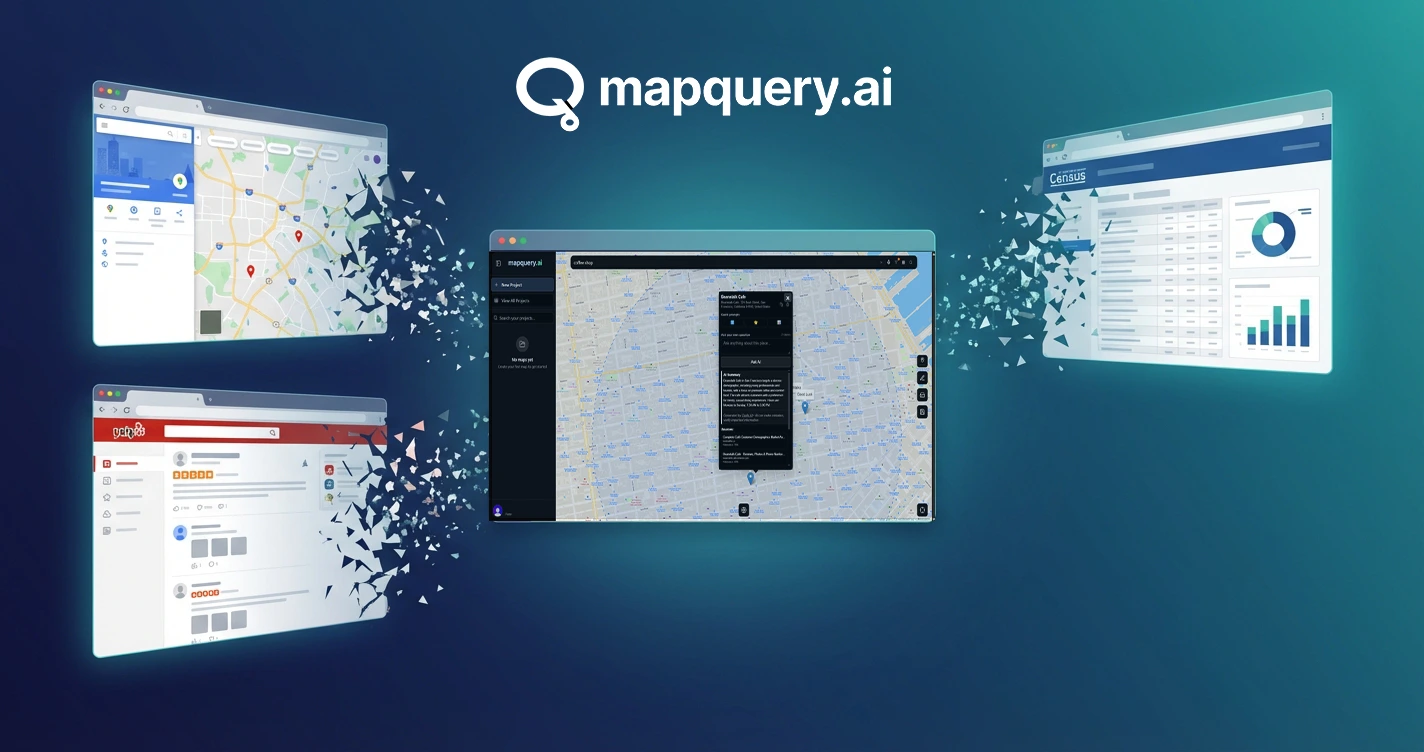
MapQuery.ai is an AI-powered location intelligence platform that ties sentiment directly to geography. Search any business type by location on an interactive map. Click any competitor pin to get an AI-powered research report covering customer sentiment, review context, and competitive positioning for that specific location.
Best for
Business owners researching a new market, franchise operators, CRE brokers
Pricing
Free tier option, 10 searches/day.
The workflow: search “Restaurants in Nashville,” see competitor pins on the map, click a pin, read the AI report with sentiment context. You’re not just reading reviews. You’re understanding which competitors in which neighborhoods have weak customer satisfaction, and where the opportunity gaps are.
That’s the key differentiator. Every other sentiment analysis tool on this list is brand-centric. MapQuery is location-centric. It’s the only sentiment analysis tool built for the question: “What are customers saying about my competitors in the market I’m entering?”
Built by Geoasset LLC | mapquery.ai
2. Google Reviews: Best for Deep-Diving a Single Competitor
Free, familiar, and genuinely useful for reading what customers say about a specific business. Google Reviews is the most direct source of customer sentiment for any local business.
Best for
Deep-diving on a single competitor’s customer feedback
Pricing
Free
The limitation: manual, time-consuming, and there’s no aggregation or pattern detection across multiple competitors. Reading 200 reviews for five different businesses is a half-day project. It’s a good validation step, not a research workflow.
3. Brandwatch: Best for Enterprise Brand Monitoring
Brandwatch is one of the most powerful social listening and brand sentiment platforms available. It tracks mentions of your brand across social media, news, forums, and review sites at scale.
Best for
Large brands tracking their own reputation at scale
Pricing
Enterprise (custom quote, typically $1,000+/month)
The limitation: Brandwatch is brand-centric, not location-centric. As a sentiment analysis tool, it’s built for monitoring what people say about you, not for researching what customers think about competitors in a specific neighborhood. Overkill for SMBs, and not designed for pre-expansion research.
4. Mention: Best for Monitoring Your Own Brand After Launch
Mention tracks brand mentions across the web and social media. It’s a more accessible alternative to Brandwatch, with a freemium tier that makes it approachable for smaller teams.
Best for
Monitoring your own brand mentions after you’ve launched
Pricing
Free tier available. Paid plans from ~$41/month.
The limitation: same as Brandwatch. Mention is built around your brand, not your competitors’ locations. It won’t help you understand what customers in a specific neighborhood think about the businesses already operating there.
5. ReviewTrackers / Podium: Best for Managing Your Own Reviews
Tools like ReviewTrackers and Podium aggregate reviews from Google, Yelp, and Facebook into a single dashboard. They’re designed to help you respond to reviews and track your own reputation over time.
Best for
Managing and responding to your own business reviews
Pricing
Paid plans, typically $100–$300+/month
The limitation: designed for your own business, not competitor research. These tools are useful once you’re operating. They don’t help you evaluate a market before you enter it.
How to Use Sentiment Analysis for Pre-Expansion Research
The goal before entering a new market: find competitors with weak customer satisfaction in high-demand areas. That’s your opening. Here’s the workflow.
Step 1: Map the competitive landscape with MapQuery.ai
Search your business category in the target city. See where competitors cluster and where coverage is thin. This gives you the geographic picture before you dig into sentiment.
Step 2: Pull AI research reports on key competitors
Click the pins for the established players in your target area. MapQuery’s AI-powered reports surface customer sentiment, review patterns, and competitive context for each location.
Step 3: Identify the sentiment gaps
Which competitors have consistent complaints about response time, pricing, or service quality? Those are your differentiation opportunities. If three competitors in the same neighborhood all have complaints about slow service, that’s a signal.
Step 4: Cross-reference with location gaps
Combine the sentiment data with the geographic gaps you found in Step 1. The best opportunity: an underserved area where existing competitors also have weak customer satisfaction.
Step 5: Validate with direct review reading
For your top 2–3 target competitors, read their Google and Yelp reviews directly. MapQuery gives you the pattern. Direct reviews give you the specifics.
“88% of consumers trust online reviews as much as personal recommendations.”
That stat matters for your research. If 88% of your future customers are reading reviews before choosing a business, then the sentiment patterns in those reviews are a direct signal of where demand is going. Competitors with consistently negative sentiment are losing customers. Those customers need somewhere to go.
Real-World Use Cases
Franchise Owner Researching a New Territory
A franchise operator uses MapQuery.ai to search for competing brands in a target city. The AI reports surface recurring complaints about wait times and inconsistent quality across three established players in the north side of town. The south side has fewer competitors and cleaner sentiment. That’s where the opportunity is.
Retail Operator Scoping a Second Location
A boutique clothing retailer maps competitors in a target neighborhood and pulls sentiment reports on each. Two of the three established stores have consistent complaints about limited sizing and poor customer service. The retailer builds their differentiation strategy around exactly those gaps before signing a lease.
CRE Broker Building a Pitch Deck
A commercial real estate broker uses MapQuery.ai to pull competitive sentiment data for a retail tenant prospect. The pitch deck shows not just where competitors are located, but what customers think of them. It’s a stronger argument for the site than foot traffic counts alone.
Frequently Asked Questions
What is sentiment analysis?
Sentiment analysis is the process of identifying and categorizing opinions in text, typically customer reviews, as positive, negative, or neutral. For location-based businesses, it means understanding what customers are saying about businesses in a specific market or neighborhood.
How do I analyze competitor reviews?
Use a tool like MapQuery.ai to pull AI-generated research reports on any competitor location, including review sentiment and customer feedback patterns. For a single competitor, you can also read their Google or Yelp reviews directly, though that approach doesn’t scale across multiple businesses.
What’s the best free sentiment analysis tool?
MapQuery.ai offers 10 free searches per day including AI research reports with sentiment context, making it the most capable free option for competitive local research. Google Reviews is free for manual single-competitor review reading but requires significant time investment to cover multiple businesses.
How do I use customer sentiment for market research?
Map competitors in your target area, pull sentiment reports on each, and identify which players have recurring complaints. Those recurring complaints are your differentiation opportunities. Combine sentiment data with geographic gap analysis to find markets where demand is high and existing competitors have weak customer satisfaction.
Can I do sentiment analysis on my competitors?
Yes. MapQuery.ai’s AI research layer pulls competitor review sentiment tied to specific locations, so you can understand customer satisfaction patterns before entering a market. This is the core use case MapQuery is built for: competitive local intelligence, not brand monitoring.
The Bottom Line
Most sentiment analysis tools are built for one job: tracking what people say about your brand after you’ve launched. That’s valuable, but it’s not what you need when you’re deciding where to open.
For location-based businesses doing pre-expansion research, the question isn’t “what do people think of me?” It’s “what do people think of my competitors in the market I’m entering?” That’s a different question, and it requires a different tool.
MapQuery.ai is the only sentiment analysis tool on this list built around that use case. It ties sentiment directly to geography, so you can see not just what customers are saying, but where the dissatisfied customers are, and which competitors are losing them. That’s the intelligence that drives smart location decisions.
For more on building a complete market research picture, see our guides on best competitor analysis tools for location-based businesses, best market research tools for small business owners, and how to do market research for a location-based business.

See What Customers Are Saying About Your Competitors
MapQuery.ai gives you live, street-level location intelligence pulled directly from Google Maps, Yelp, TripAdvisor, and Instagram, so you can evaluate real markets, compare nearby competitors, and begin location research with current data.